Computers and Printing

Welcome To Princh!
Princh Mobile Printing
Belleville Area District Library Printer ID: 108476
Sumpter Media Center Printer ID: 108475
Printing from your mobile phone or a tablet
When printing at the library: locate the print guide poster near the printer and scan the QR code.When printing remotely: open your browser, go to princh.com and enter the 6-digit printer ID to select the printer (find IDs below).
Upload your document(s).
Adjust the settings.
Enter your email address.
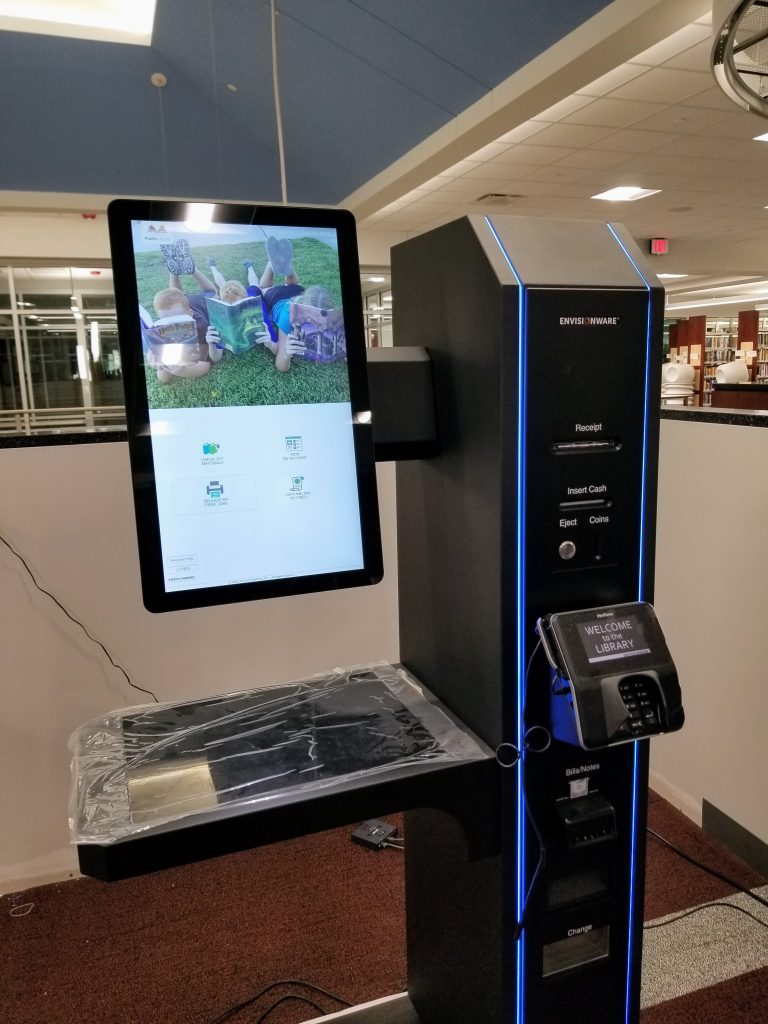
Proceed to the Print Release Terminal to pay for and finalize your print job. Print jobs must be retrieved the same day they’re sent: they won’t remain in our system overnight.
Printing from your laptop
When printing remotely or at the library: open your browser, go to princh.com and enter the 6-digit printer ID to select the printer (find IDs below).
Upload your document(s).
Adjust the settings.
Enter your email address.
Proceed to the Print Release Terminal to pay for and finalize your print job. Print jobs must be retrieved the same day they’re sent: they won’t remain in our system overnight.
If you require further help, we have instructions available at our libraries, and you can always ask staff for help.
Printing Services
| Paper Size | Side Type | Black & White | Color |
|---|---|---|---|
| 8.5 × 11 | Single-sided | $0.10 | $0.25 |
| 8.5 × 11 | Double-sided | $0.15 | $0.35 |
| 11 × 17 | Single-sided | $0.20 | $0.50 |
| 11 × 17 | Double-sided | $0.30 | $0.75 |
Faxing & Scanning
- Faxes Sent: $1.00 per page
- Faxes Received: $0.10 per page
- Scanning (up to 11 × 17): FREE
Additional Services
- Laminating (up to 8.5 × 11): $0.25 – $1.00 per sheet
- Available for Purchase: Flash drives and CDs
More Resources

Engaging Community Reading Programs
Hands-On Technology Workshops
Library of Things
Work Spaces and Technology
Preserving Belleville’s Local History